Explore the top 10 no code web builders for 2026. Compare features, pricing, pros and cons, and use cases to launch an MVP fast—plus tips to avoid lock-in.

In the fast paced world of startups, speed is everything. Founders need to validate ideas, launch products, and iterate based on user feedback before the competition catches up or the runway runs out. This is why no code web builders have become essential tools. They empower entrepreneurs and businesses to create fully functional web applications, from marketplaces to social networks, without writing a single line of code. This shift is democratizing technology, allowing anyone with a great idea to build it.
What Is a No Code Web Builder?
A no code web builder is a software platform that allows users to create websites and applications through a visual interface. Instead of writing complex code, you use drag and drop components, pre built templates, and guided workflows to design and launch your digital product. Think of it like using building blocks to construct a house, where each block is a feature like a user login, a payment form, or a data display. This approach dramatically lowers the technical barrier to entry, making software development accessible to non technical founders, marketers, and business operators.
Key Features of Modern No Code Web Builders
While every platform is different, the best no code web builders share a few core features that make them powerful and user friendly.
Visual Drag and Drop Interface: At the heart of all no code tools is a visual editor. This allows you to see exactly what your application will look like as you build it, arranging elements on the page with your mouse.
Pre built Templates and Components: To accelerate development, most builders offer a library of templates for common app types like marketplaces, directories, and booking platforms. They also provide ready to use components for buttons, forms, maps, and more.
Database and Logic Workflows: Modern no code web builders are not just for simple websites. They include built in databases to store and manage user data and allow you to create complex logic with visual workflow editors, defining what happens when a user clicks a button or submits a form.
Responsive Design: Platforms automatically ensure your application looks and works great on any device, from desktops to tablets and smartphones, without extra effort.
API Integrations: No app is an island. Top tier builders make it easy to connect to hundreds of third party services like Stripe for payments, Google Maps for location services, and various AI tools.
Common Use Cases and Benefits
The versatility of no code web builders means they can be used to create a wide variety of applications. Startups and businesses commonly use them to build:
Minimum Viable Products (MVPs): Launching an MVP is the fastest way to test a business idea. No code platforms can reduce development time by up to 90%, allowing founders to get real user feedback in weeks, not months.
Marketplaces: Platforms like WNTAD, an online marketplace for electrical equipment, have been built and launched in as little as seven weeks using no code. For a jobs marketplace example, see our Taraki case study.
Social Networks: Creating community platforms with user profiles, messaging, and AI powered matching is a popular use case, as seen with apps like BucketMatch.
Internal Tools: Companies can quickly build custom dashboards, CRMs, and project management tools to streamline their internal operations without diverting engineering resources.
Web and Mobile Apps: Many no code tools can build applications that work seamlessly across web and mobile devices.
The primary benefits are clear: dramatic reductions in development time and cost. Traditional app development can cost between $40,000 and $300,000, while no code solutions can slash these costs significantly. This makes it possible for founders with limited budgets to bring their vision to life. For businesses that need to build an app quickly and affordably, an experienced agency like Bricks Tech can deliver a functional MVP in just 4 to 8 weeks.
How to Choose the Right No Code Builder
With so many options available, selecting the best no code web builder depends on your specific needs. Consider the following factors:
Learning Curve: How intuitive is the platform? Some tools are designed for absolute beginners, while others offer more power and flexibility but require more time to master.
Scalability: Can the platform grow with your business? Look into performance capabilities, workload based pricing, and options for connecting to more robust back end services like Supabase or AWS.
Functionality and Integrations: Does the builder support the specific features you need, like complex booking logic or specific payment gateways? Ensure it can integrate with the other tools in your tech stack.
Cost: Pricing models vary. Some charge a flat monthly fee, while others are usage based. Factor in the long term cost as your user base grows.
Community and Support: A strong user community and responsive customer support can be invaluable when you encounter challenges.
Top 10 No Code Web Builders
To help you narrow down the overwhelming number of options, we have curated a list of the industry’s most powerful and user-friendly platforms. These tools are grouped together because they excel at removing technical barriers, allowing you to focus purely on design and functionality. The following selection highlights the diverse capabilities of modern no-code builders, ranging from e-commerce giants to creative design powerhouses.
1. Wix
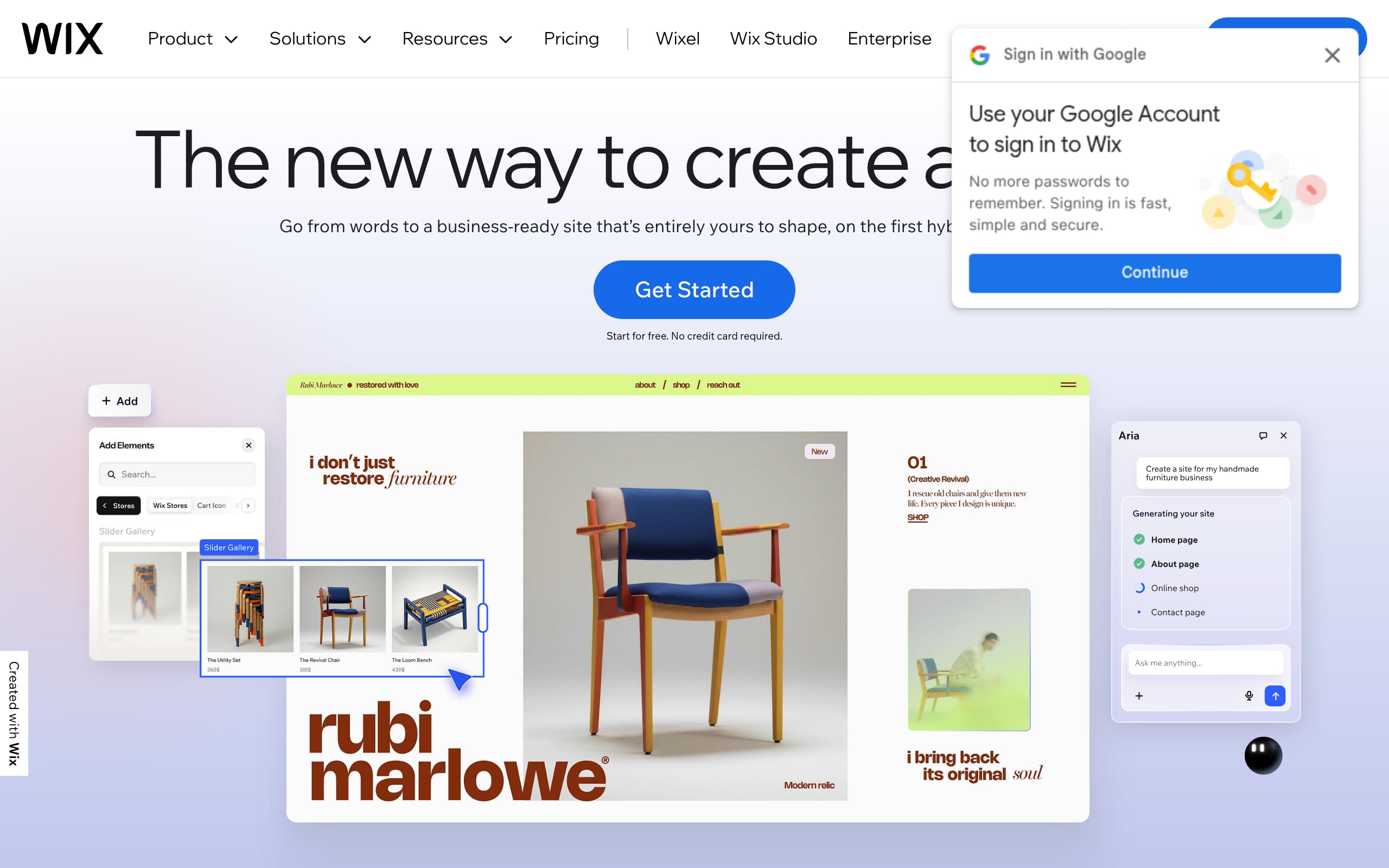
Wix meets you with an AI co-pilot that drafts a complete site, then hands you a polished drag-and-drop canvas to refine the details. Hosting, CDN, and security are all managed on a multi-cloud network. A native CMS powers dynamic pages; the App Market layers in bookings, e‑commerce, and more. When you need to go further, Velo’s SDK and APIs open up custom logic and headless options. Technical SEO is handled out of the box, making a feature‑rich MVP in weeks not just possible, but likely.
Best for: Solo founders and SMBs wanting a fast, AI-assisted site with built-in business tools.
Why it wins for founders
AI site generation plus a deep template library speed up first publish dramatically.
All-in-one stack (store, bookings, multichannel) reduces tool sprawl and integration work.
Managed multi-cloud hosting delivers performance, uptime, and solid technical SEO.
Trade-offs to consider
Export isn’t supported for full sites; expect platform lock-in.
100 static page cap; larger sites should lean on dynamic pages.
Pricing at a glance: Free plan available; paid starts at $17/month, with e‑commerce on higher‑tier Core plans.
2. Squarespace
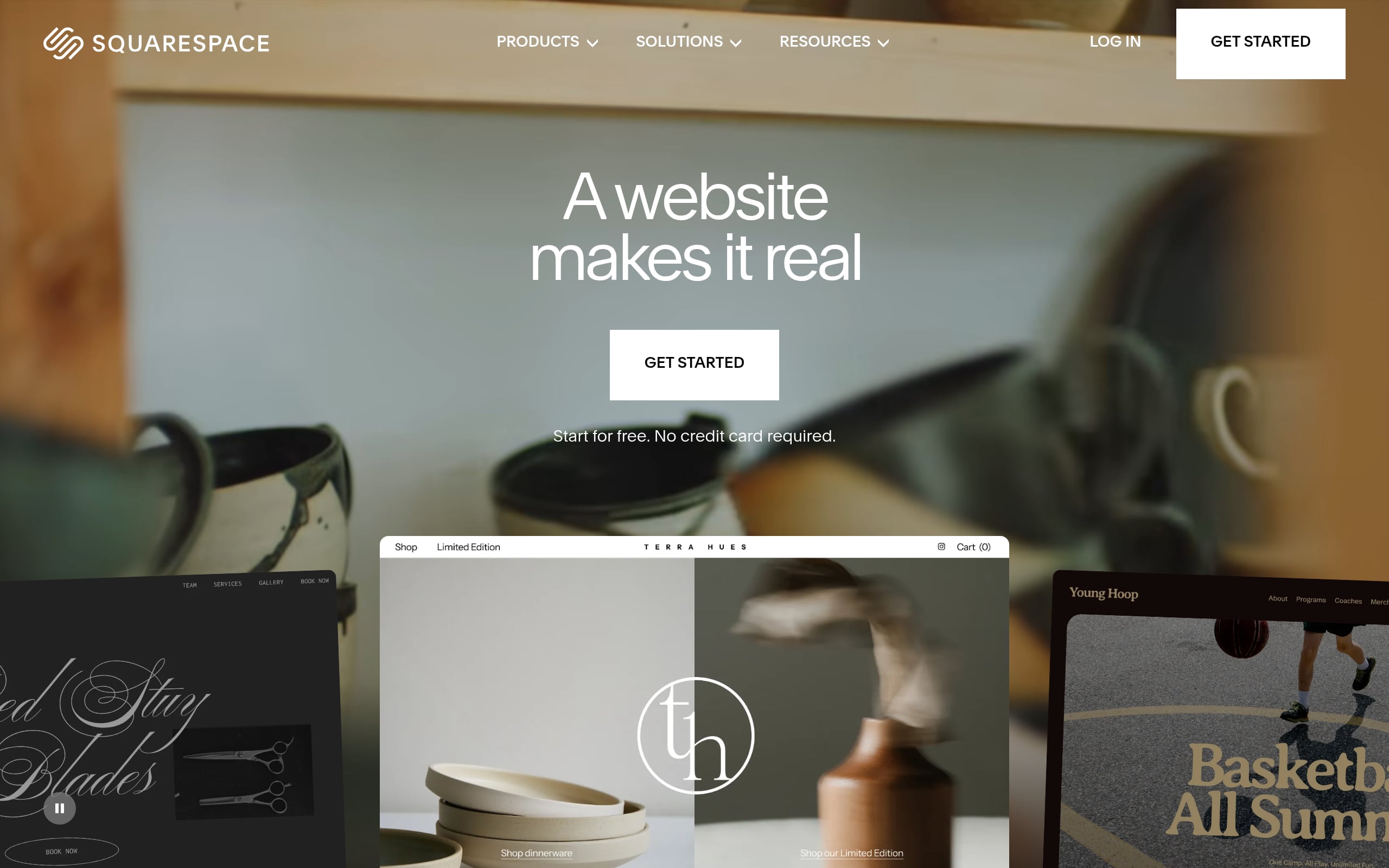
Squarespace pairs AI-assisted starters with the Fluid Engine, a precise grid editor that keeps designs consistent as you iterate. Infrastructure, security, and CDN are fully handled. Commerce, subscriptions, members‑only content, and even in‑person selling via Square POS are native. You can extend through vetted extensions or light Commerce APIs. It’s a curated, design‑first environment where a credible store or content MVP can land in weeks, not months.
Best for: Design-conscious founders wanting a polished site with built-in e-commerce and memberships without developers.
Why it wins for founders
Refined templates and the Fluid Engine enable premium design without a designer army.
Built-in SEO, analytics, and email reduce third‑party dependency.
Strong support for products, subscriptions, and paid content under one roof.
Trade-offs to consider
Limited developer access restricts complex app-style logic.
Entry plans add platform transaction fees on top of processor costs.
Pricing at a glance: 14‑day free trial; paid from $16/month, with a 2% transaction fee on the entry tier.
3. Webflow
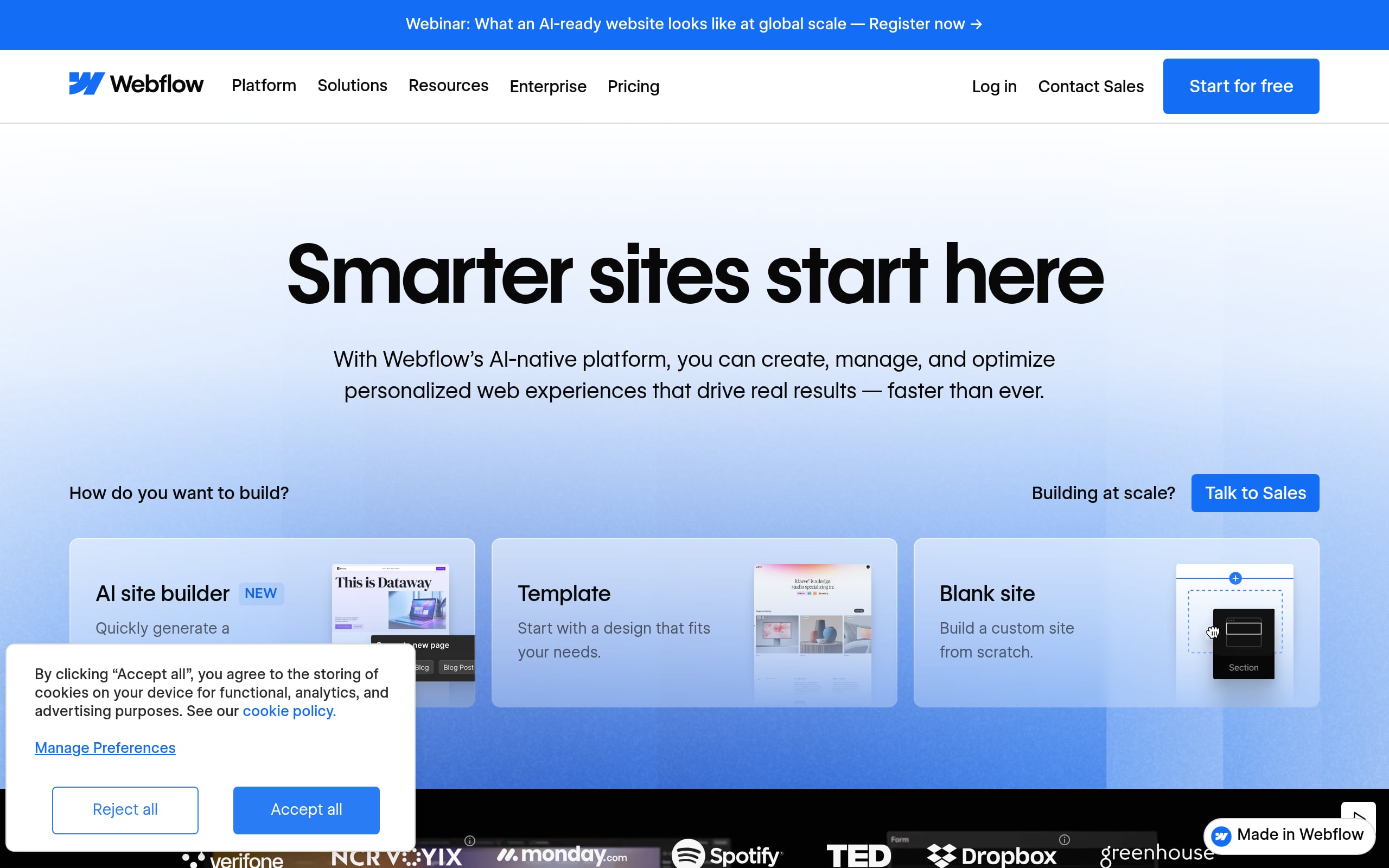
Webflow blends an AI site builder with its hallmark Designer, giving you class-based visual control over layout, interactions, and components. Its CMS models structured content as Collections, served on AWS/Cloudflare with serious performance. Extend via Marketplace apps, REST APIs, and custom code; add localization, SEO controls, and light e‑commerce as needed. While dynamic features don’t export, a small, design‑savvy team can ship a production‑grade MVP in weeks.
Best for: Design-savvy founders and marketing teams building production-level marketing sites, content hubs, and light e-commerce with pixel-perfect control.
Why it wins for founders
Production-level precision (grid, interactions, components) accelerated by AI.
Robust content modeling and a healthy app/API ecosystem.
Enterprise-ready managed hosting and governance (including SOC 2).
Trade-offs to consider
Steeper learning curve due to CSS‑like concepts.
CMS and e‑commerce are non‑exportable, creating platform lock‑in.
Pricing at a glance: Free Starter plan; paid site plans start at $14/mo (yearly), with e‑commerce plans carrying platform transaction fees.
4. Duda
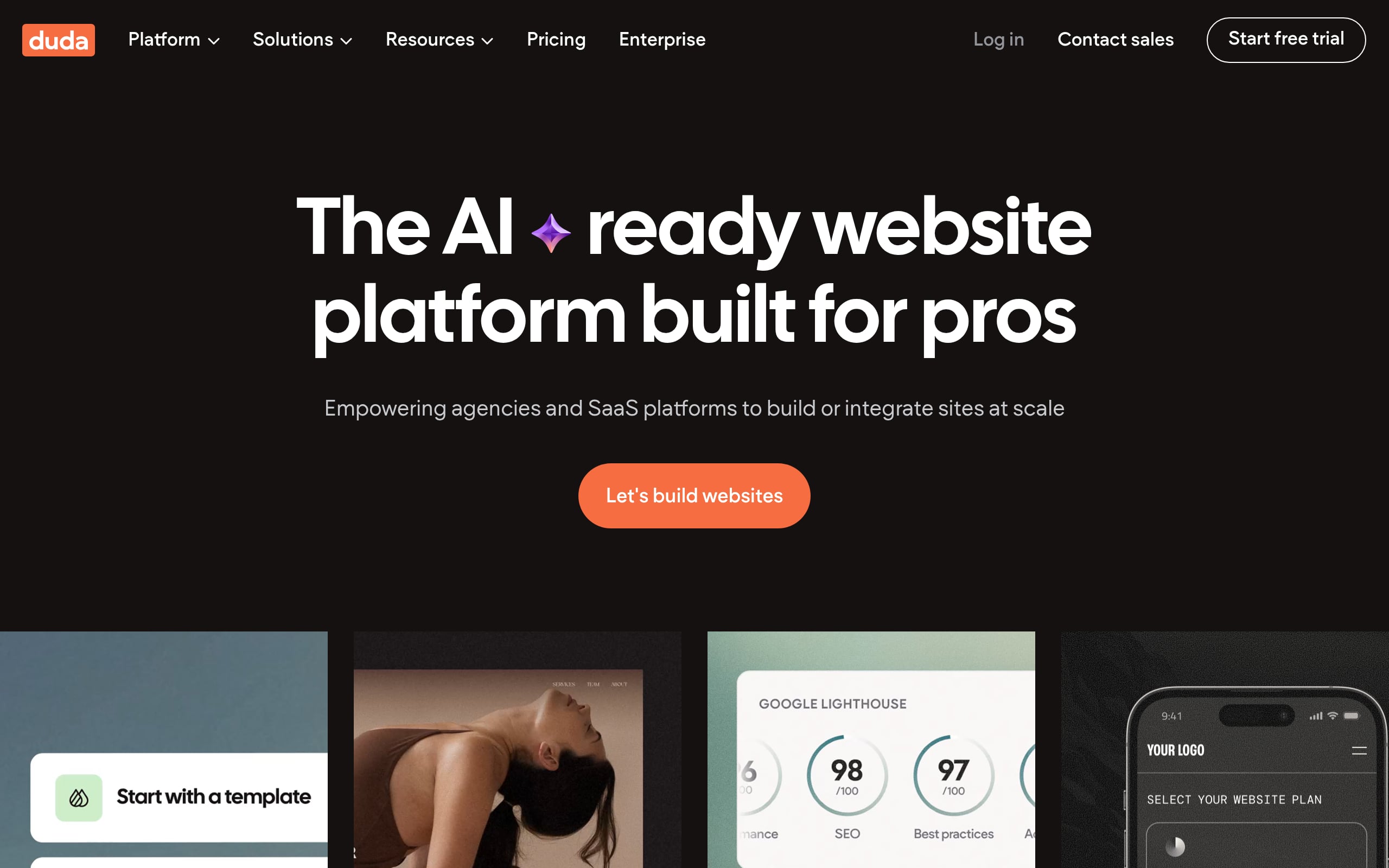
Duda’s AI helps you spin up a draft site, then its responsive editor and dynamic pages connect to internal data or external sources like Google Sheets and Airtable. Hosted on AWS with a global CDN, it ships performance and SEO out of the box. An App Store and REST APIs enable automation and scaling. The standout: multi‑site orchestration with white‑labeling, permissions, and client billing built in, making it ideal for launching client MVPs in days.
Best for: Agencies and SaaS teams needing to scale client site creation and management.
Why it wins for founders
White-labeling, granular permissions, and client billing streamline agency ops.
Managed AWS hosting delivers speed and solid technical SEO.
Dynamic pages pull from external data, with robust automation via APIs.
Trade-offs to consider
Per‑site pricing scales costs as your portfolio grows.
Deeper databases and logic often require higher‑tier/custom plans.
Pricing at a glance: 14‑day free trial; paid from $19/month with 0% transaction fees, while e‑commerce is a paid add‑on.
5. Framer
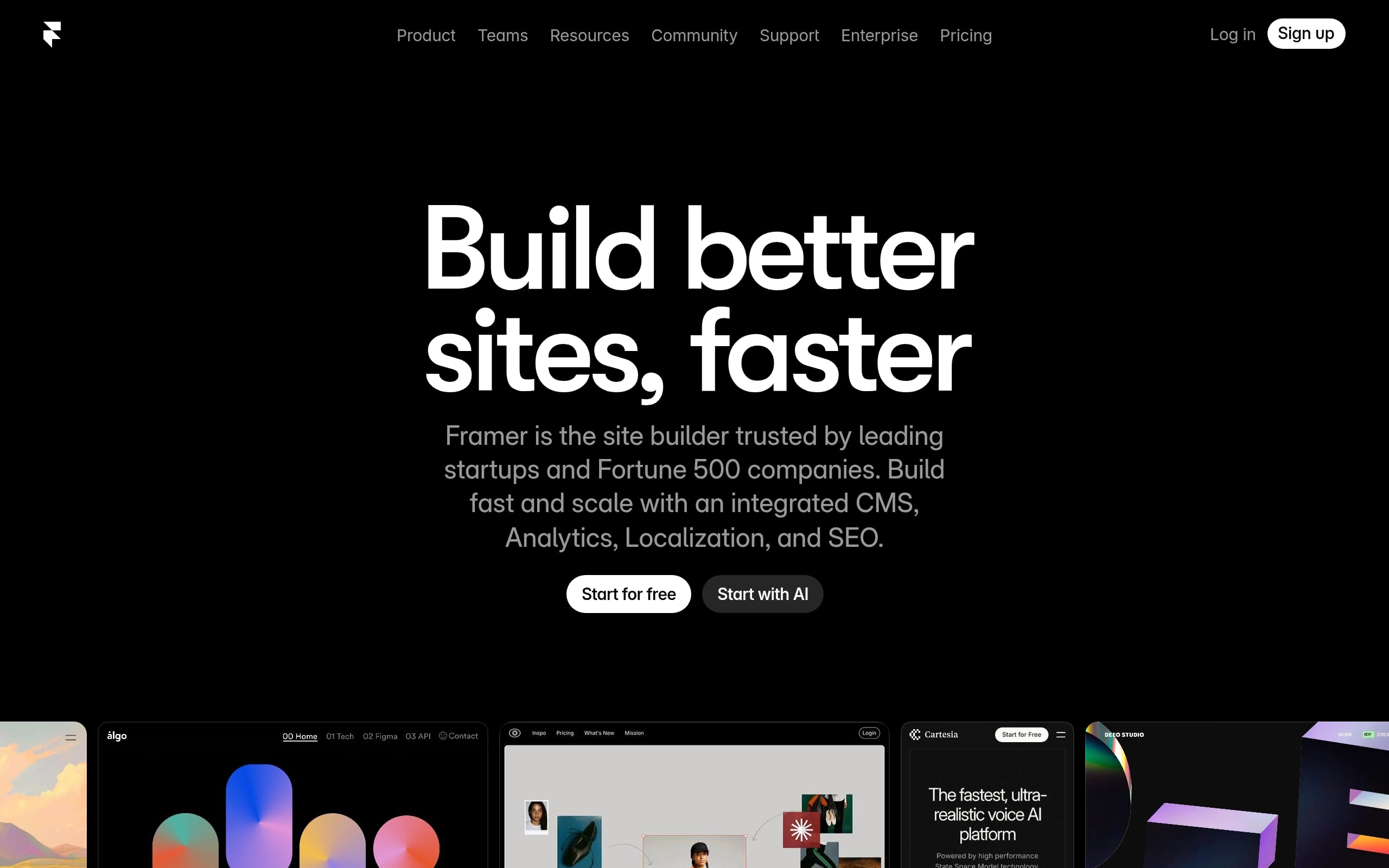
Framer moves from AI‑generated layouts to a fluid visual canvas, then hands content edits to stakeholders with On‑Page Editing, which eliminates designer bottlenecks. A built‑in CMS powers dynamic content, and publishing pushes to a global CDN with staging and rollbacks. SEO basics are first‑class, from sitemaps to redirects. It lacks native commerce but connects to Shopify and Stripe. For conversion‑focused sites, a production‑ready MVP is comfortably achievable in weeks.
Best for: Design-led founders and growth teams needing to ship high-converting marketing sites.
Why it wins for founders
Lightning path from concept to live with AI, premium templates, and direct on‑page edits.
Production-grade hosting with staging/rollback and performance optimizations.
Native SEO tools (sitemaps, redirects, structured data) out of the box.
Trade-offs to consider
No first‑party e‑commerce; requires third‑party tools.
No code export for self‑hosting; certain advanced features are add‑ons.
Pricing at a glance: Free plan available; paid starts at $10/month, with localization and A/B testing as paid add‑ons.
6. Shopify
Shopify shortens the distance from idea to revenue: add products, pick a theme, and customize pages with a drag‑and‑drop editor, while Shopify Magic helps craft copy and blocks. Your data and checkout live on a PCI‑compliant global network. Native social integrations and a massive app store handle edge cases; Flow automates ops, and Hydrogen offers a headless path. A production‑ready store can go live in weeks, and sometimes even days.
Best for: Founders launching a production-grade e-commerce MVP with built-in checkout and scaling options.
Why it wins for founders
Trusted, high‑converting checkout and secure, performant hosting.
Commerce‑native features (shipping, taxes, POS) reduce complexity.
Huge app marketplace, automations, and a clear upgrade path to headless.
Trade-offs to consider
Plan fees plus app and transaction costs can stack quickly.
Deep customizations may require code; lower tiers limit user roles.
Pricing at a glance: Free trial available; Basic at $29/month, plus a 2% fee if not using Shopify Payments.
7. WordPress.com
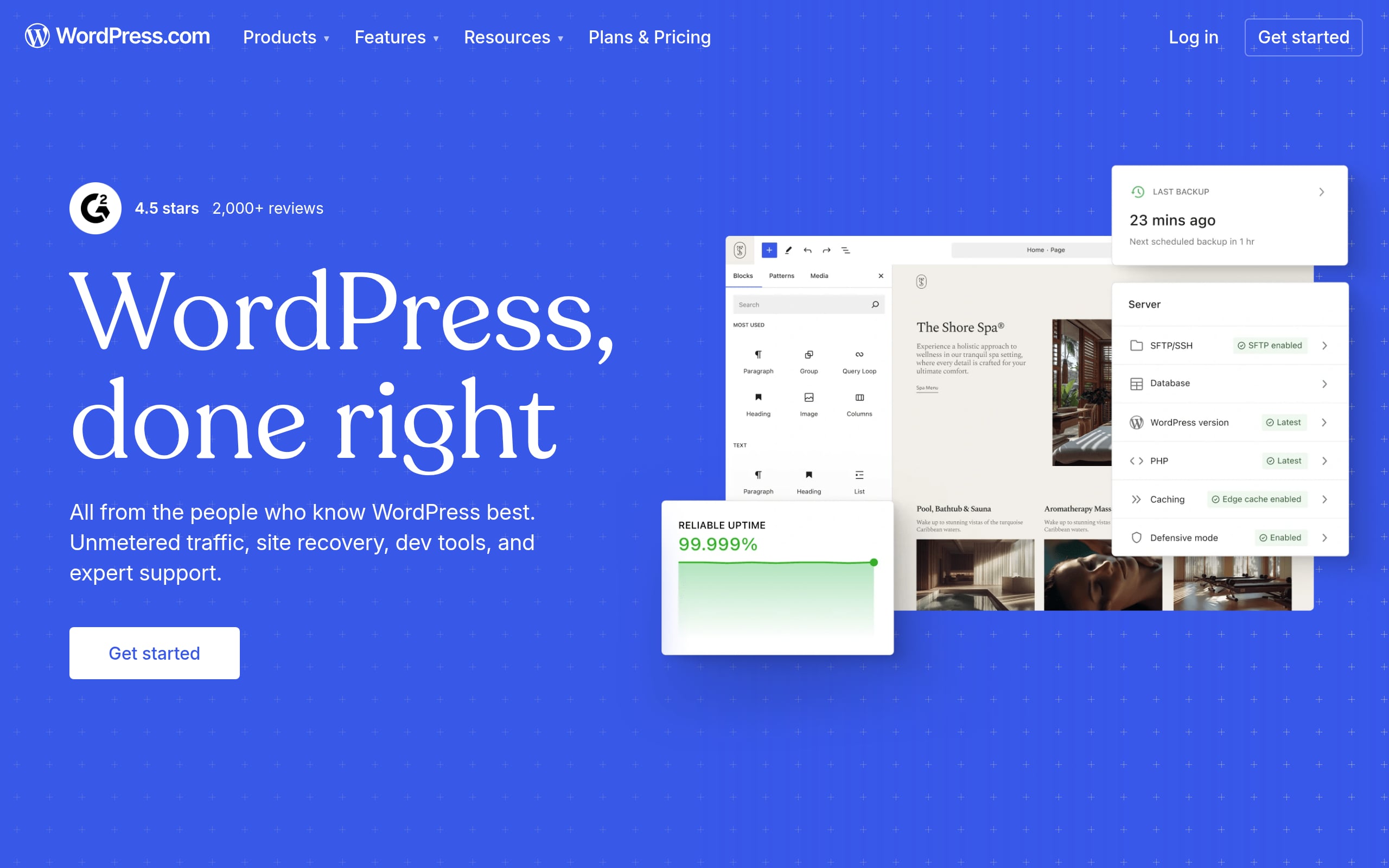
WordPress.com lets you start with an AI site builder or theme and expand using the no‑code block editor. It manages hosting, CDN, SSL, and backups, so you can focus on content. Paid tiers unlock 50,000+ plugins and custom themes, including WooCommerce for full stores. SEO tools and APIs help you scale, and because your content is portable, you avoid lock‑in. It’s a pragmatic path to a polished MVP within weeks, and with room to grow.
Best for: Non-technical creators and small teams wanting a content-first site that grows without managing servers.
Why it wins for founders
Quick launch on secure, fully managed infrastructure with a global CDN.
Massive no‑code extensibility via plugins on paid plans.
Built‑in AI can generate pages, copy, and images to speed early drafts.
Trade-offs to consider
The block editor and vast plugin ecosystem come with a learning curve.
Advanced capabilities sit behind higher‑tier plans; free sites include ads.
Pricing at a glance: Free plan available; paid starts at $9/month, but free sites show ads and use a wordpress.com subdomain.
8. Webstudio
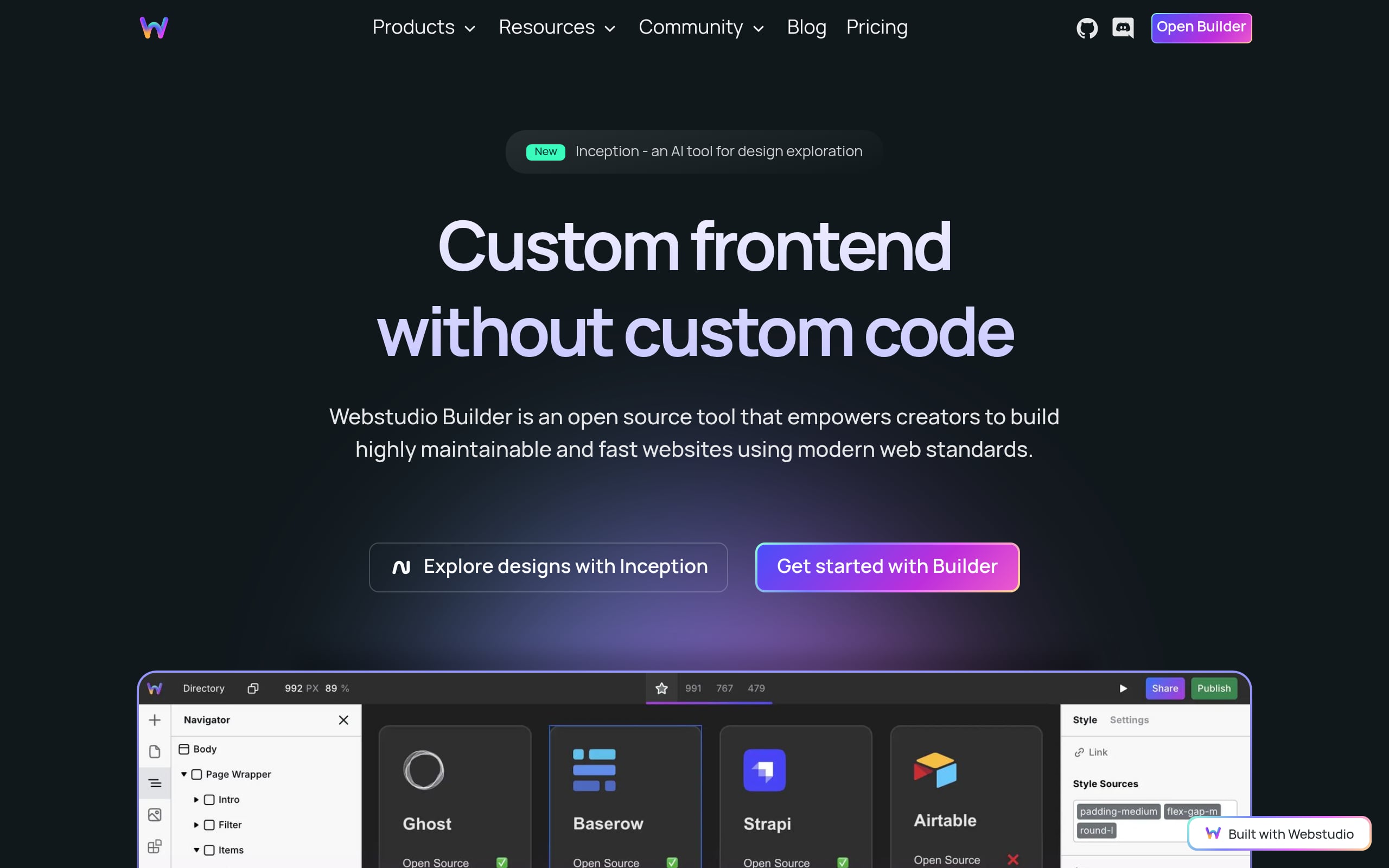
Webstudio mirrors CSS in a visual builder, aided by AI, so teams can craft high‑performance sites while keeping dev‑grade control. You can visually bind data from REST or GraphQL to create dynamic, CMS‑backed pages, with no frontend code required. Deploy on Cloudflare for elite speed, or export static/Remix apps to self‑host and dodge lock‑in. With client‑safe editing and strong SEO controls, content‑rich MVPs are realistic in weeks.
Best for: Agencies and developers wanting an open-source, high-performance Webflow alternative with client-safe editing.
Why it wins for founders
Open‑source core and export options minimize vendor lock‑in.
Visual data binding to any REST/GraphQL source boosts flexibility.
Cloudflare‑native architecture delivers standout performance and SEO.
Trade-offs to consider
You’ll likely need external headless services for full CMS/e‑commerce.
Advanced expressions and data binding add learning overhead.
Pricing at a glance: Free plan available; paid starts at $15/month to add a custom domain and higher traffic limits.
9. Dorik
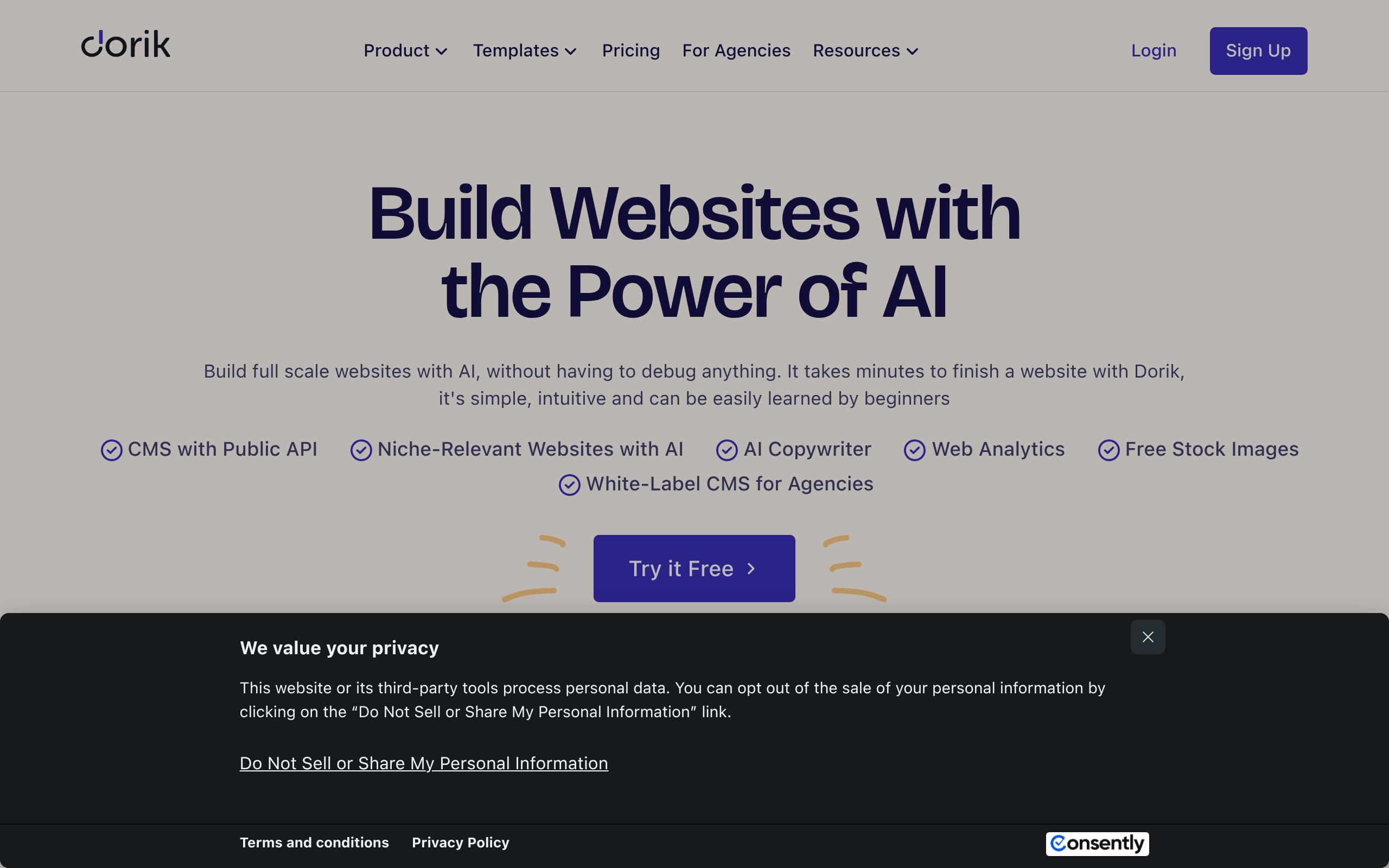
Dorik gets you live fast with an AI generator and 100+ templates, then keeps edits simple in its straightforward editor. Hosting runs on a global CDN with SSL. A native CMS handles collections and blogging, while memberships and paywalls ship out of the box. Integrations include Airtable, Stripe, and Zapier, plus a read‑only CMS API. You can export static code, but CMS and memberships remain hosted. Still, a gated content MVP is very achievable in weeks.
Best for: Founders and agencies needing fast, polished marketing sites with CMS and memberships.
Why it wins for founders
Rapid time‑to‑value with AI site generation and GPT‑4 copy assistance.
Built‑in memberships with 0% fees and agency‑friendly white‑labeling.
Strong performance, SEO controls, and native Airtable integration.
Trade-offs to consider
No native e‑commerce; full stores require third‑party embeds.
Dynamic features (CMS/memberships) aren’t exportable, creating lock‑in.
Pricing at a glance: 14‑day free trial; paid from $21/mo, with no code export for CMS sites.
10. Elementor
Elementor brings true visual building to WordPress: design headers, footers, and WooCommerce templates in a live editor, now powered by performance‑minded Flexbox Containers. Its AI drafts site plans and refines copy, accelerating first versions. Content stays in your WordPress database, and you can self‑host or use Elementor’s managed Google Cloud hosting. Native forms and CRM connections smooth lead flow, making a marketing site or store MVP very doable in weeks.
Best for: Marketers and agencies on WordPress needing fast landing pages and integrated WooCommerce stores.
Why it wins for founders
Full visual control of theme parts with efficient, container‑based layouts.
WooCommerce Builder plus simple Stripe/PayPal widgets speed store setup.
Built‑in forms, CRM integrations, and Yoast SEO inside the editor.
Trade-offs to consider
High plugin lock‑in, as removing Elementor often means a rebuild.
Popups and AI tools sit behind higher‑priced or credit‑based plans.
Pricing at a glance: Core plugin is free; paid plans start around $60/year, while AI and optimization tools require separate subscriptions.
Free vs Paid Plans: What You Get and When to Upgrade
Most no code web builders offer a free tier, which is perfect for learning the platform and building simple projects. These plans often have limitations, such as a platform branded domain, restricted database capacity, or a cap on the number of users.
You should consider upgrading to a paid plan when you are ready to:
Launch professionally: Use a custom domain to build your brand.
Scale your user base: Paid plans offer higher capacity for data storage and traffic.
Unlock advanced features: Access premium integrations, more complex workflows, and enhanced security options.
Remove platform branding: Present a fully white labeled product to your users.
Upgrading is a natural step once you have validated your MVP and are ready to grow your business.
The Problem with Many No Code Builders (Trade Offs to Know)
While powerful, no code web builders are not without their limitations. It’s crucial to understand the trade offs before committing to a platform.
Performance at Scale: Some platforms can become slow or expensive as user activity increases. It is important to plan for scaling, which may involve optimizing workflows or moving to a more powerful back end.
Platform Lock In: Migrating a complex application from one no code builder to another is often difficult or impossible. Choose your platform wisely.
Customization Limits: While you can build almost anything, there might be certain niche functionalities or highly custom user interface designs that are difficult to achieve without code.
Navigating these challenges often requires expertise. A development partner like Bricks Tech can help design a scalable architecture from day one, combining no code speed with full stack solutions where needed to overcome platform limitations.
Beyond the Builder: Integrations and AI to Grow Faster
The true power of no code web builders is unlocked when you connect them to the wider digital ecosystem. Modern applications rely on a web of specialized services, and seamless integrations are key. This includes connecting to payment gateways, analytics tools, CRMs, and communication platforms. For a deeper dive, read our comprehensive guide to API integration.
Furthermore, the rise of Artificial Intelligence has opened up new possibilities. The market for no code AI platforms is projected to grow from under $5 billion in 2026 to over $24 billion by 2030. Integrating AI tools like ChatGPT or Claude can power intelligent features like chatbots, automated content generation, and smart matching algorithms. An agency with deep experience in API and AI integrations can help you leverage these tools to build a smarter, more capable product. For examples and playbooks, see how smart startups use agentic AI to build MVPs faster.
The Future of No Code
The no code movement is still in its early stages. Gartner forecasts that by 2026, 75% of new applications will be developed using no code or low code technologies. This rapid adoption is driven by the urgent need for businesses to digitize faster and the ongoing shortage of technical talent. The future of these platforms will likely involve even deeper AI integration, where you can describe an application in plain language and have the platform build it for you. This will further accelerate innovation and empower a new generation of creators.
Conclusion
No code web builders have fundamentally changed the way software is created. They provide a fast, affordable, and accessible path for founders and businesses to build and launch digital products. By understanding their features, use cases, and limitations, you can select the right tool to bring your idea to life. Whether you are building an MVP to test a new concept or an internal tool to improve efficiency, the power to build is now in your hands.
Ready to turn your idea into a fully functional app in weeks? Book a free consultation with Bricks Tech to see how we can help you build and launch faster.
FAQ
What is a no code web builder?
A no code web builder is a platform that lets you create a website or web application using a visual editor with drag and drop functionality. It eliminates the need for programming, allowing non technical individuals to build and launch digital products.
Can you build a real business with no code web builders?
Absolutely. Many successful startups and businesses have built their applications on no code platforms. They are ideal for creating MVPs, marketplaces, social networks, and internal business tools, enabling rapid launches and market validation.
How much does it cost to build an app with no code?
The cost varies depending on the platform’s subscription plan and the complexity of your app. However, no code development is significantly more affordable than traditional methods, with some studies showing cost reductions of up to 80%. A complete MVP build can often be done for a fixed cost, such as Bricks Tech’s $10,000 package. For a detailed breakdown, see our MVP development cost guide.
What are the main limitations of no code development?
The primary limitations include potential performance issues at very high scale, customization constraints for highly unique features, and platform lock in, which can make it difficult to migrate to another service.
How long does it take to build an MVP with no code tools?
Building an MVP with no code is significantly faster than traditional development. While a custom coded MVP can take several months, a no code MVP can often be built and launched in just 4 to 8 weeks.
Do I need to know how to code to use no code web builders?
No, you do not need any coding knowledge to use no code web builders. They are specifically designed for users without a technical background, relying on visual interfaces and pre built components.